Two taps per set
Weight is prefilled from last time. Tap reps and ✓ – or just ✓ to fill last time’s reps.
Workout log
At the gym your fingers are sweaty, the Wi-Fi drops and rest is short. SimuFit’s workout screen is made for exactly that: one hand, two taps, no waiting.
Last time 80 kg × 8, 8, 8, 8
All sets at the top: add 2.5 kg
At the gym
Weight is prefilled from last time. Tap reps and ✓ – or just ✓ to fill last time’s reps.
The timer appears next to the exercise name. +30 s, tap to skip, a buzz and a beep at zero.
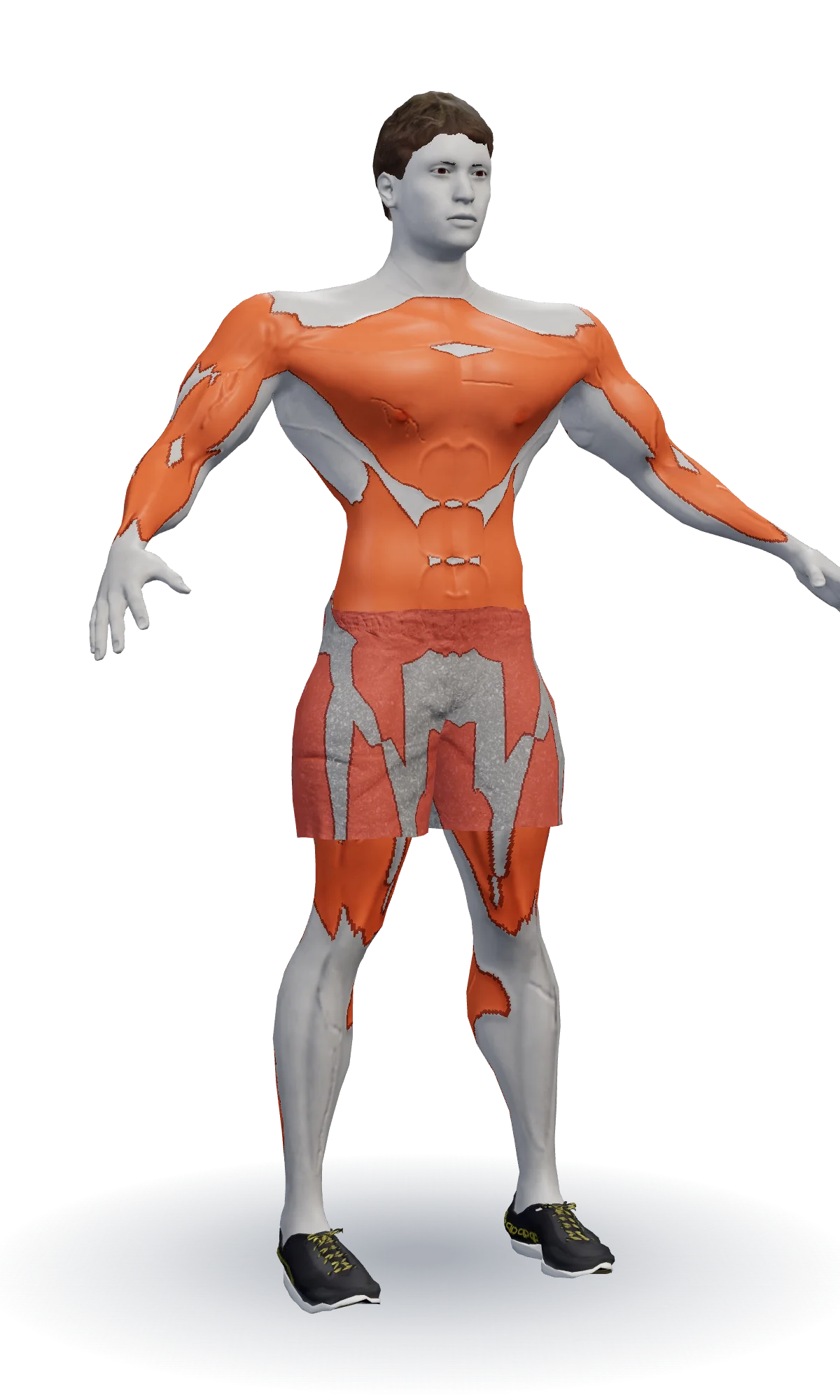
When every set reaches the top of the rep range, SimuFit suggests your next weight.
Machine taken? Pick a similar, no-equipment, easier or harder option – today only or for good.
A short technique video opens right in the exercise card when you want to check your form.
Everything works in a basement gym. Logs are saved on your device and sync later.
Today
The Today screen shows which workout is next: the day you did longest ago, or the day on your schedule. You see the number of exercises, sets and estimated time, and one big button starts the workout.
Today · Week 7 of 18
Session ASquat + Bench Press7 exercises · 62 minStart workoutPhase 2 · Strength & Size
Up next
Session B · Deadlift + Overhead Press
Session C · Pull-up + Incline Press
Finish
When you finish, you see duration, sets, volume and new personal records. Only ticked sets are saved. Forgot to log? Mark a day as done afterwards, or fix a typo from your history.
Progress
Sets per muscle group / week
Warm-up
Example with a 100 kg working weight on the back squat. SimuFit rounds to loadable weights.
| Set | Load | Weight | Reps |
|---|---|---|---|
| 1 | Empty bar | 20 kg | 10 |
| 2 | 40% | 40 kg | 5 |
| 3 | 60% | 60 kg | 3 |
| 4 | 75% | 75 kg | 2 |
| 5 | 85% | 85 kg | 1 |
Read more: how to warm up before lifting.
Yes. The whole workout screen works offline, and logs are saved on your device first. They sync to your account when you are back online.
Your in-progress workout is kept and you continue where you left off. The screen stays awake during a workout in supported browsers.
Yes. Per-set RIR sits behind a “more” toggle so the default row stays simple, and every exercise can have a note.
Build one from the exercise library or paste your old program as text. You can also start an empty workout and add exercises freely.
Four headline numbers and sets per muscle group.
Read moreA program built from your profile and checked by rules.
Read more152 exercises with videos and coaching cues.
Read moreTen ready-made programs from beginner to advanced.
Read moreAnswer a few questions, get your program, and the workout screen is ready for the gym. Runs in your browser: no app store, no install.
Tämä sivu on saatavilla myös suomeksi. Vaihda → Suomi
این صفحه به فارسی هم در دسترس است. رفتن → Persian